Ch1.1: PWA Store
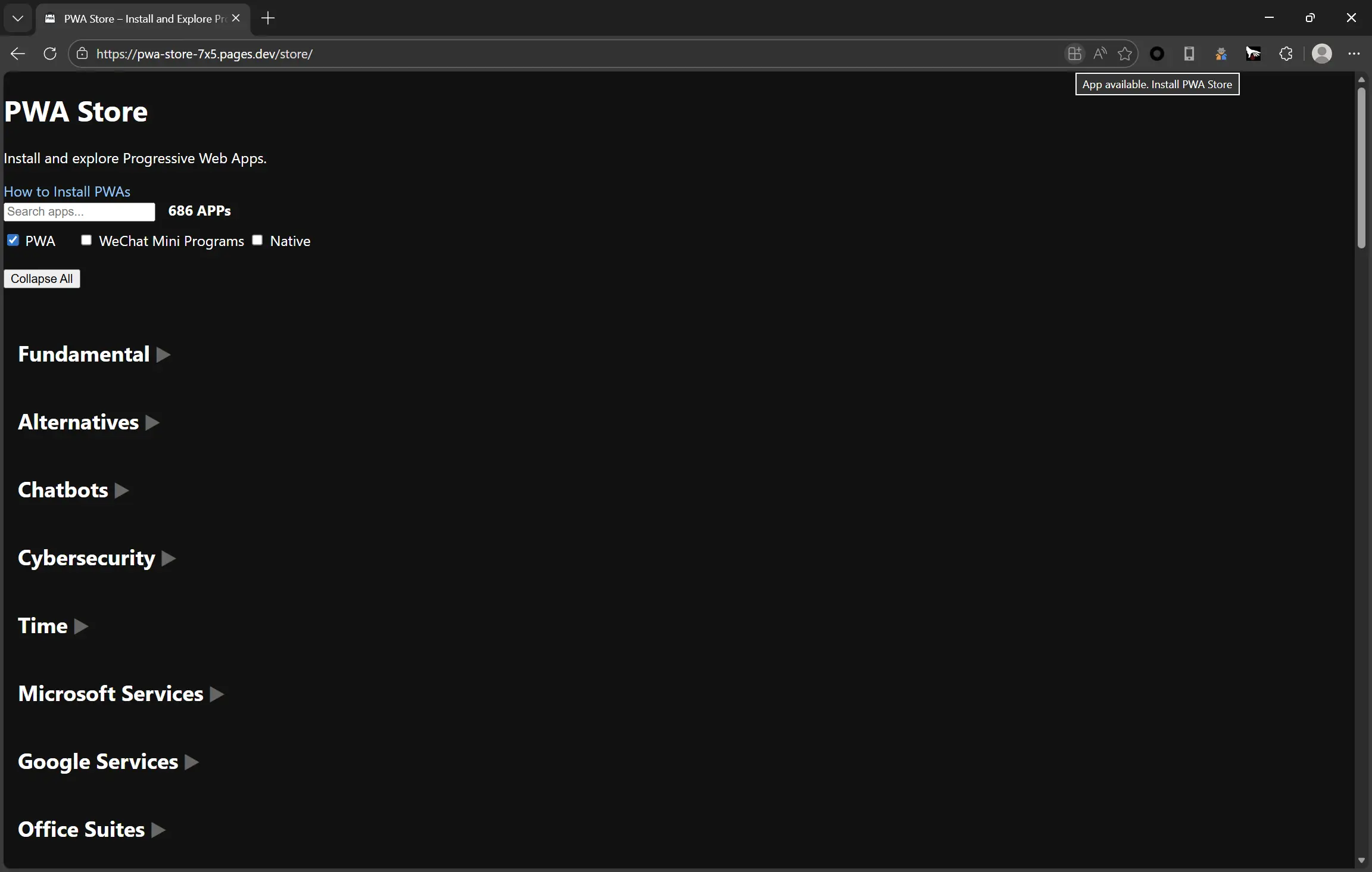
Open the PWA Store here: https://pwa-store-7x5.pages.dev/
We use Microsoft Edge as our browser, since it provides the best PWA support on Windows, macOS, Android, and Linux.
This documentation itself is also a PWA and is available in the PWA Store.
Install
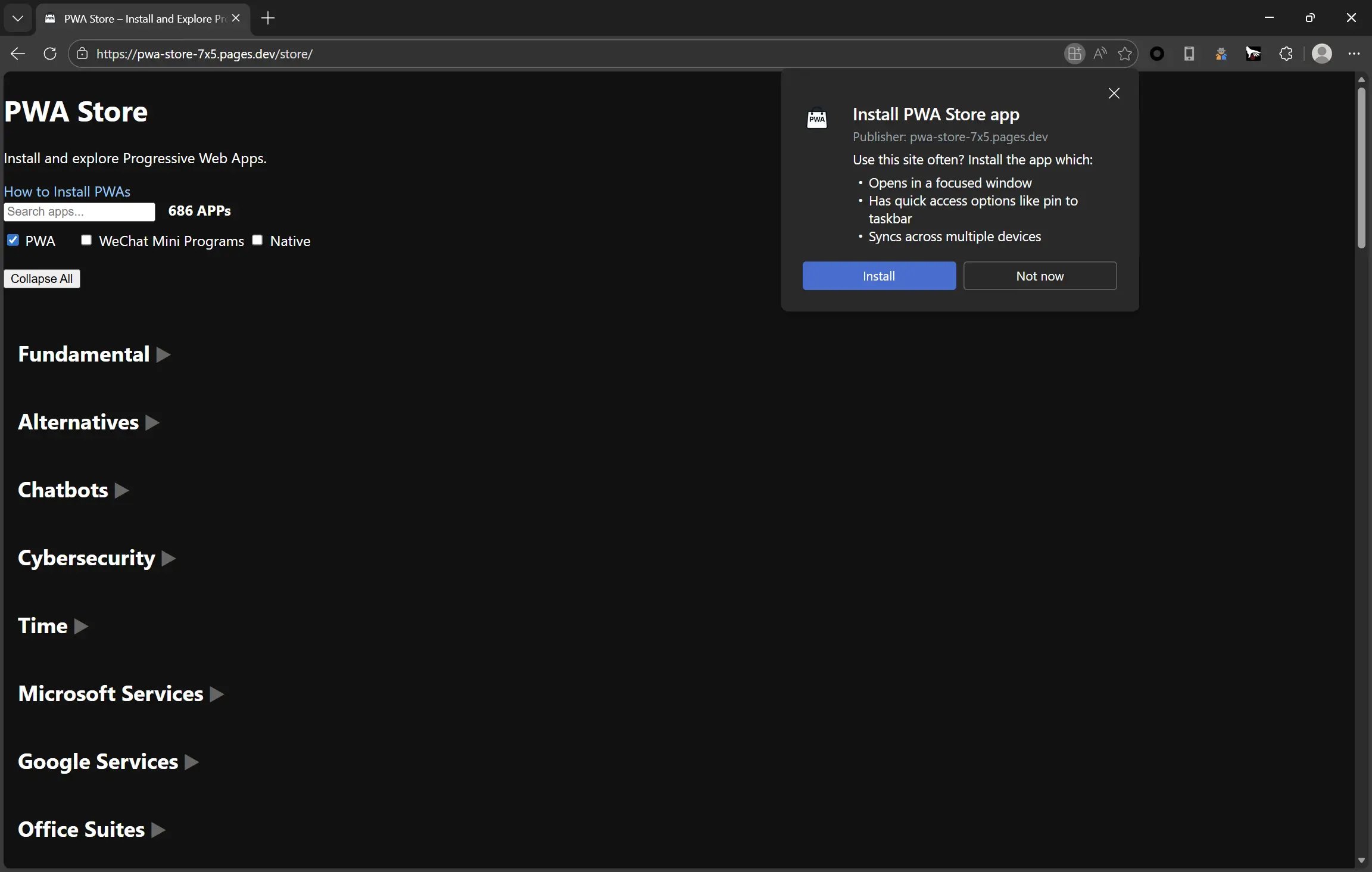
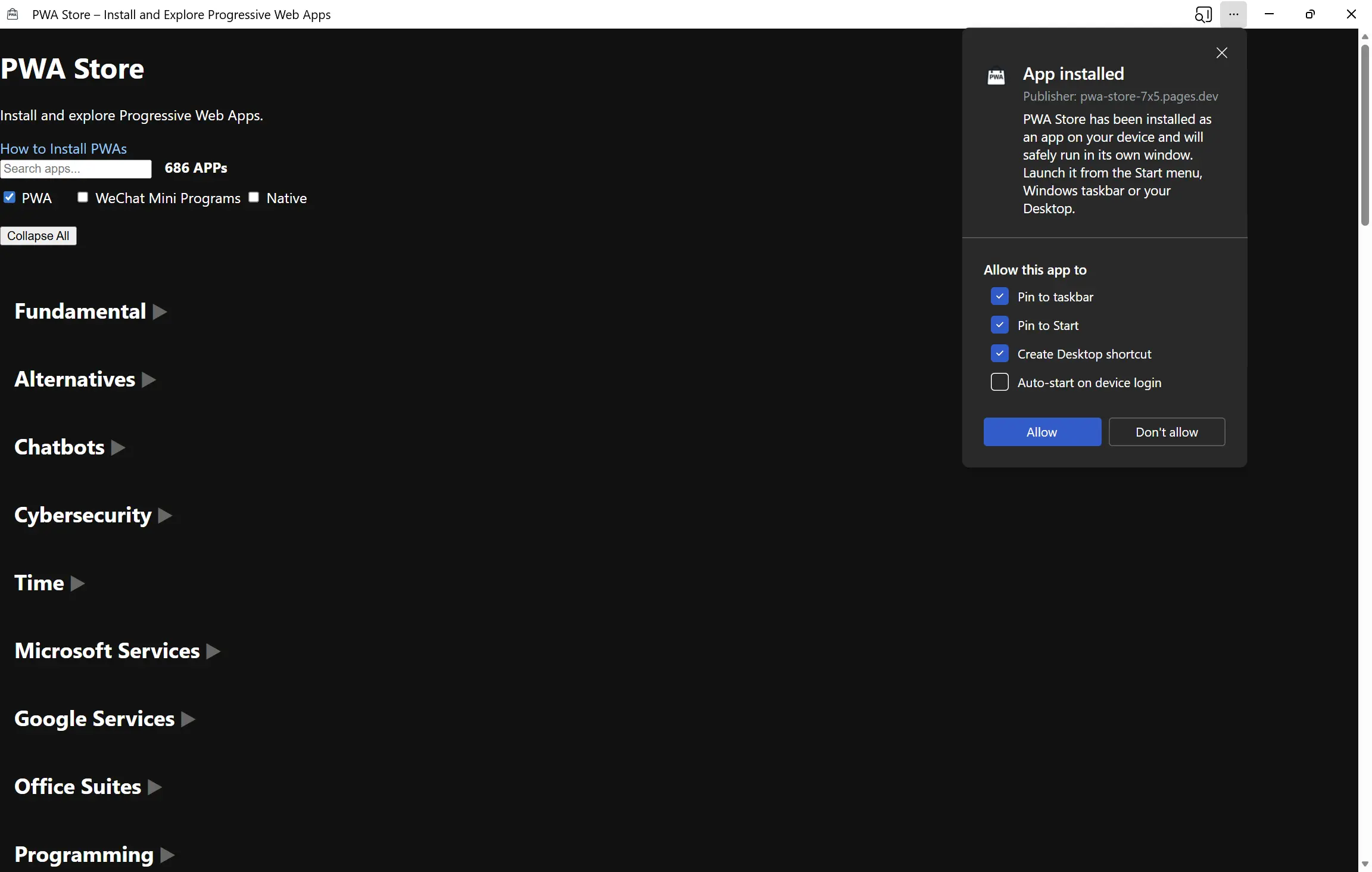
When the PWA Store is open in Edge, look at the right side of the address bar. Click the “Install App” button to install it.